

Outlook
All posts tagged with Outlook.
 How to Add and Request Read Receipts in Microsoft Outlook Step 1: Open Outlook, click File, and then Options at the bottom left .
 How to Disable Auto Send/Receive of Emails in Outlook Step 1: In Outlook, select File and then Options.
 Outlook and Microsoft Office: Which Version Do I Have? Here’s How to Tell Step 2: Click on the Office Account box. If this option is not available, you are probably using an older Outlook version. If so, look for the Help…
 Meet Thomas Stensitzki – Microsoft’s MVP (Most Valuable Professional) The Microsoft MVP (Most Valuable Professional) award is the highest award that Microsoft has given annually since 1995. The nominees convince with their high technical competence, which they…
 Send emails with time delay in Outlook In the following section, you can read step by step instructions on how to set a time delay for all your emails.
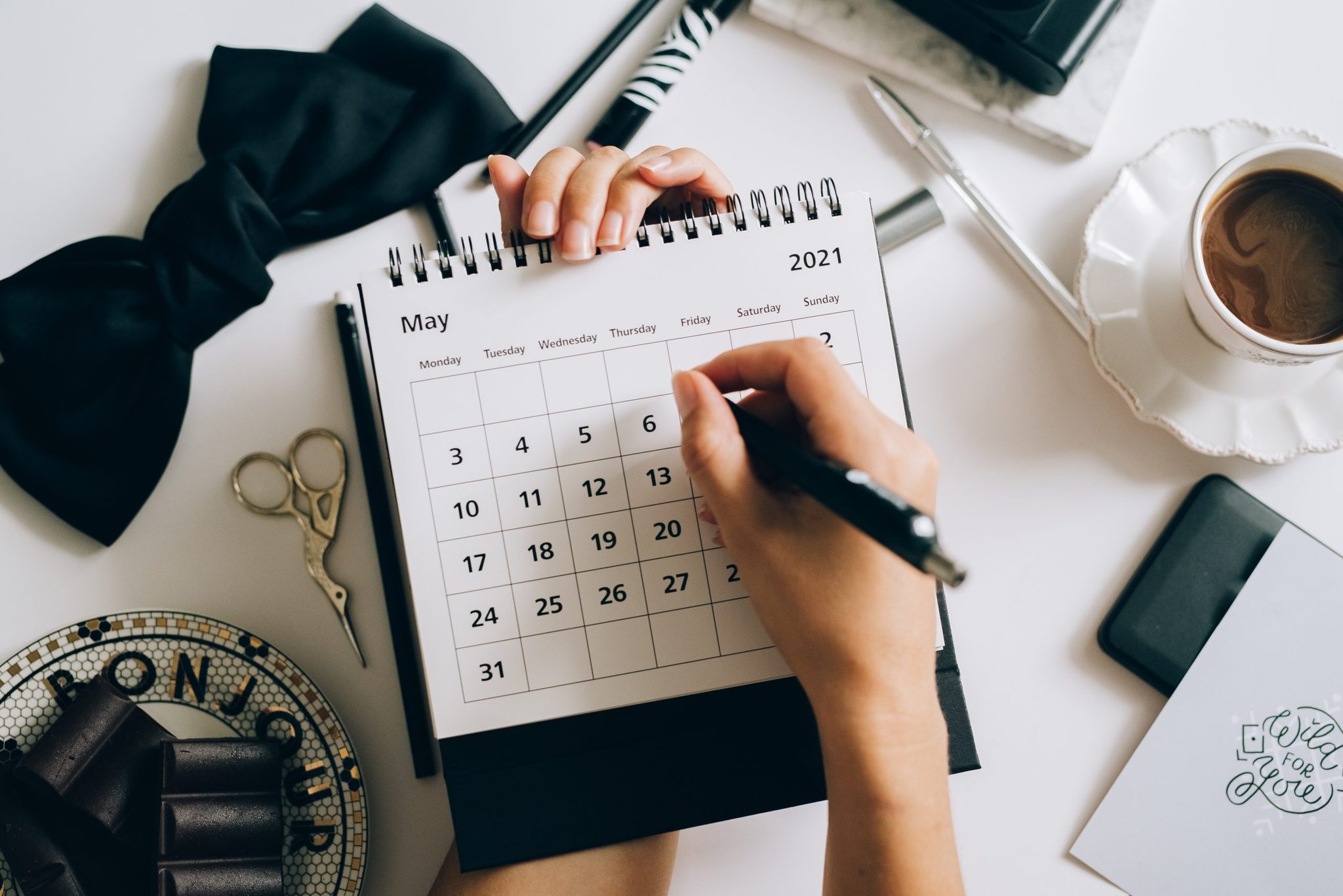 Tips to manage your Outlook Calendar By default, the month view is set in your calendar. In the menu ribbon, you can choose between a day, work week, week, month or planning view, depending…
 Prevention and Clean-Up Tips for Duplicate Emails in Outlook One of the few things you can do to stop the receiving of duplicate emails is to check the Rules configurations to ensure that copies are not made…
 How to Create a Simple Email Template for Quick Replies in Outlook Step 1: In your Outlook, select the message you want to reply to. You can open it either in a separate window or in the reading pane.
 How to Create and Use Email Message Templates in Microsoft Outlook Read about how to create your own email template, which you can adapt and modify as needed.