How to Disable Auto Send/Receive of Emails in Outlook
Disable Auto Send/Receive step-by-step
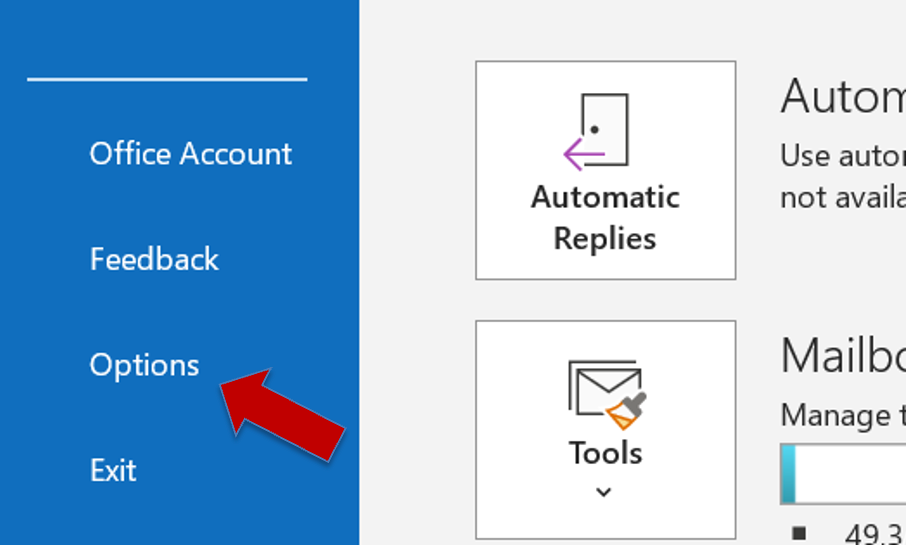
**Step 1:**In Outlook, select Fileand then Options.
Step 2: Select Advanced.
**Step 3:**Scroll down and select Send and Receive.
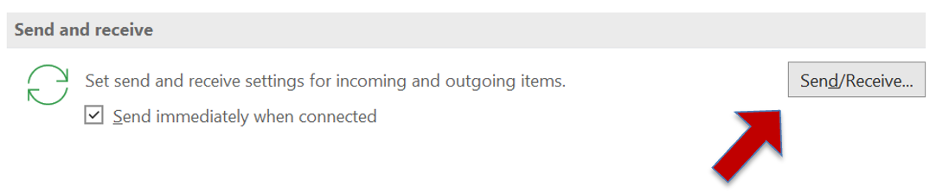
**Step 3:**Click on the Send/Receive buttonto openSend/Receive Groups.
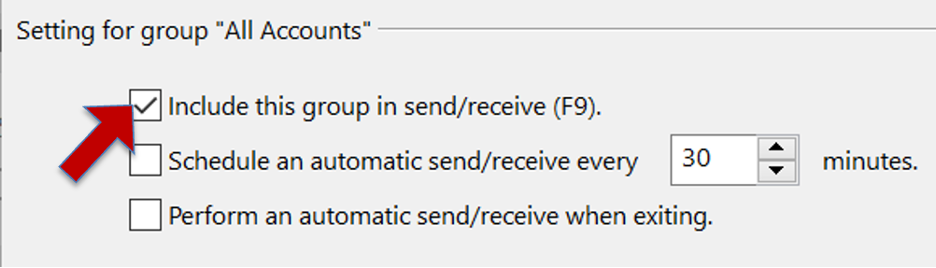
**Step 4:**Select your account from the list and uncheck include this group in Send/Receive (F9). You’ll find it under “when Outlook is online and when Outlook is offline”.
**Step 5:**Select Closeand restart your Outlook.
Did you already know about this option? Leave a comment in the comment section about your experience!
See you soon!
Aline & the Lookeen team