

Lookeen for classic Outlook
Search your emails, attachments and files directly from classic Outlook 2019 and later using the Lookeen search bar.
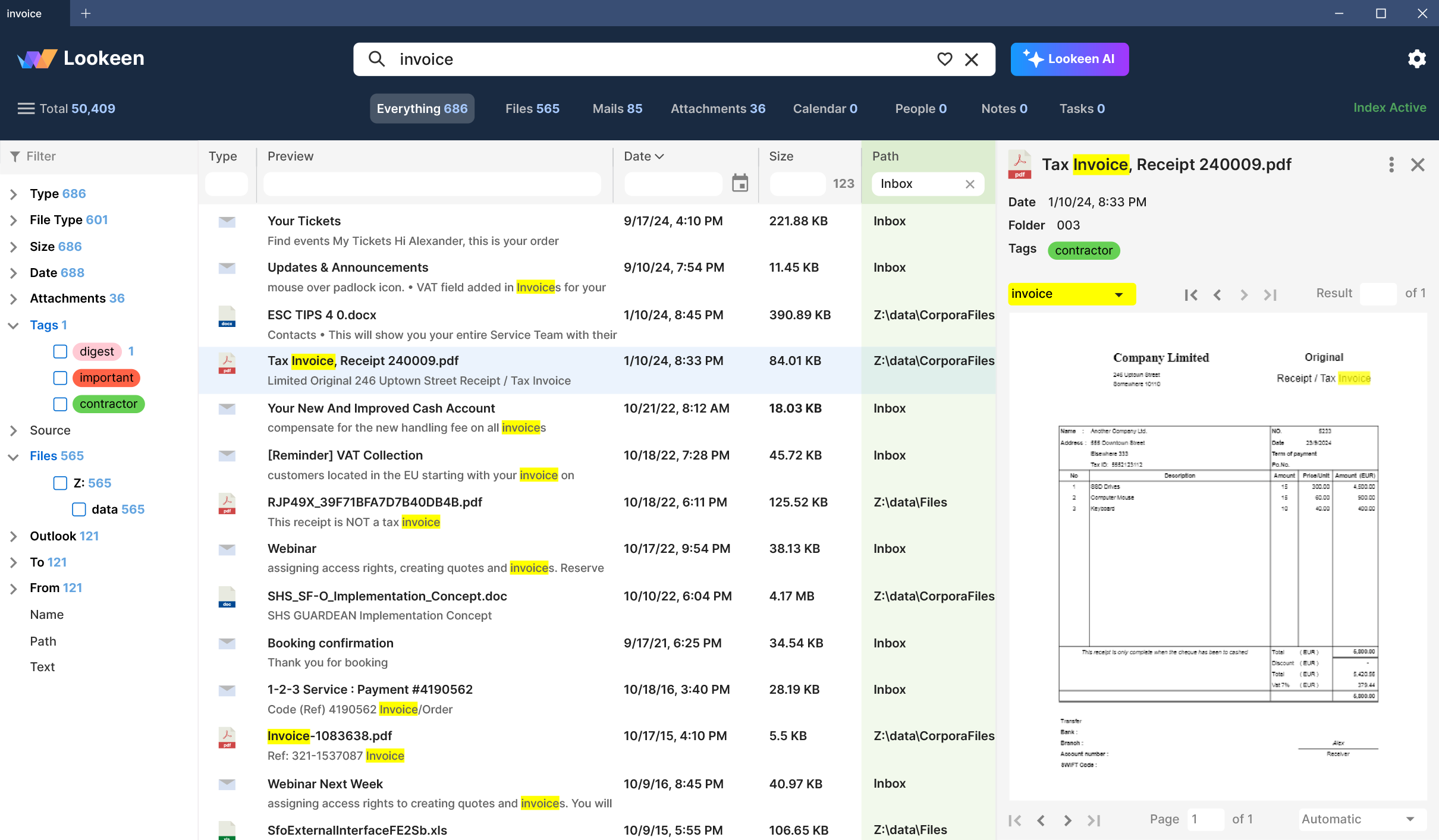
Find the information you need without leaving your workflow
The Lookeen search bar is available in classic Outlook. Start a search from your inbox or another folder and find matching information across your indexed sources.
Emails and attachments
Find messages and the contents of attachments together, with filters to narrow down the results.
Archives and files
Search indexed PST and OST files alongside documents on your computer and connected drives.
More than email
Find contacts, appointments, tasks and notes as well as messages and documents.
Search from classic Outlook
Search
Enter a term in the Lookeen search bar to find results from your indexed mailboxes, archives and files.
Topic
Find emails with the same subject as the selected message.
Conversation
Find messages exchanged with the sender or recipient of the selected email.
Frequently asked questions
Which Outlook versions are supported?
The add-in supports classic Outlook 2019 and later, including classic Outlook for Microsoft 365, in 32-bit and 64-bit versions.
Can Lookeen search attachments and archives?
Yes. Lookeen can search indexed attachments and local PST and OST files. Available sources depend on your edition and configuration.
Can the add-in be deployed centrally?
Lookeen supports centralized deployment using Group Policy in supported editions.
Try Lookeen with your own data
Test Lookeen free for 14 days and see how quickly you can find emails and files.