Skip to content  General Sticky Notes for Quick Reminders in Outlook Step 1: Download the Sticky Notes Application from the Microsoft Store.
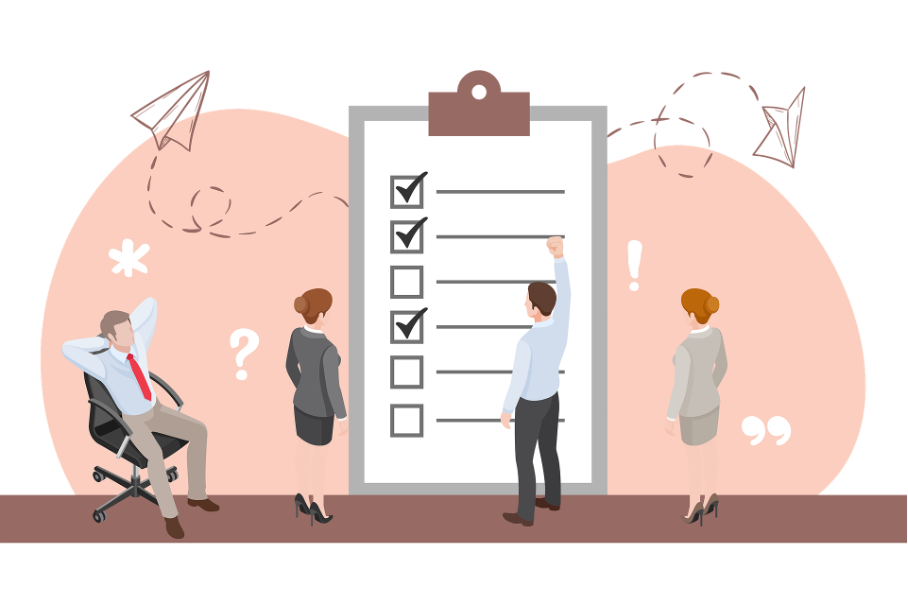 General 9 Productivity Tips to Improve Your Efficiency and Overall Performance at Work Are you used to dragging a task you feel insecure or uncomfortable with doing until the last minute? This is your reminder to change this behavior!
 General Conditional Formatting to Highlight Important Outlook Messages Step 1: Go to the View tab and select “Current View”.
 General 8 Golden Rules of Email Etiquette: How to Improve Your Work Emails Always use a subject line! This way you’ll increase the likelihood that your email will be read in the first place and recipients will get an idea about…
 General Change Language Settings in Outlook Step 2: Click “File” and then “Options”.
 General Outlook: Categorize and Organize Your Emails – This Is How it Works Step 2: Go to the inbox. Hold down the CTRL key and select the emails you want to organize using categories.
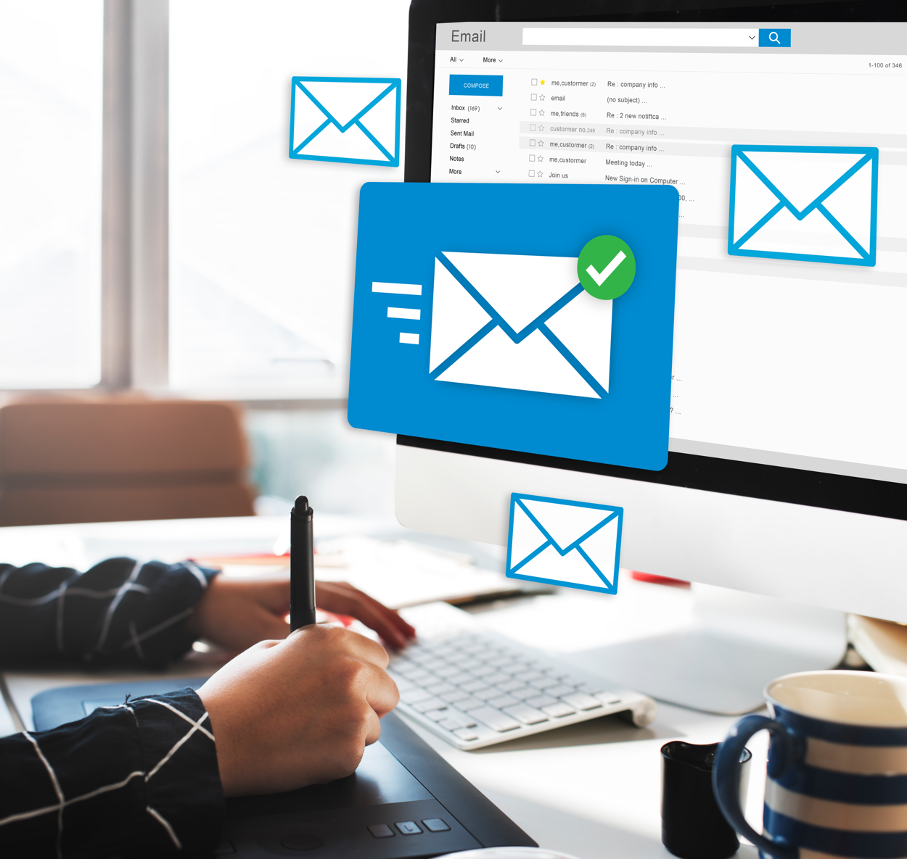 General How to Prevent Emails from Going to Spam: The 12 best Tips and Tricks To be successful with your email management and avoid messages ending up in the spam box, you must follow anti spam laws. One of the most important rules…
 General How to Keep Recipient Addresses Private in Outlook: Undisclosed Recipients Learn how to make the Undisclosed Recipients contact here:
 General How to Attach a Composed Email as an Attachment File in Outlook Step 1: Select the email you would like to send as an attachment file in a new email.

