

Tutorials
All posts in the Tutorials category.
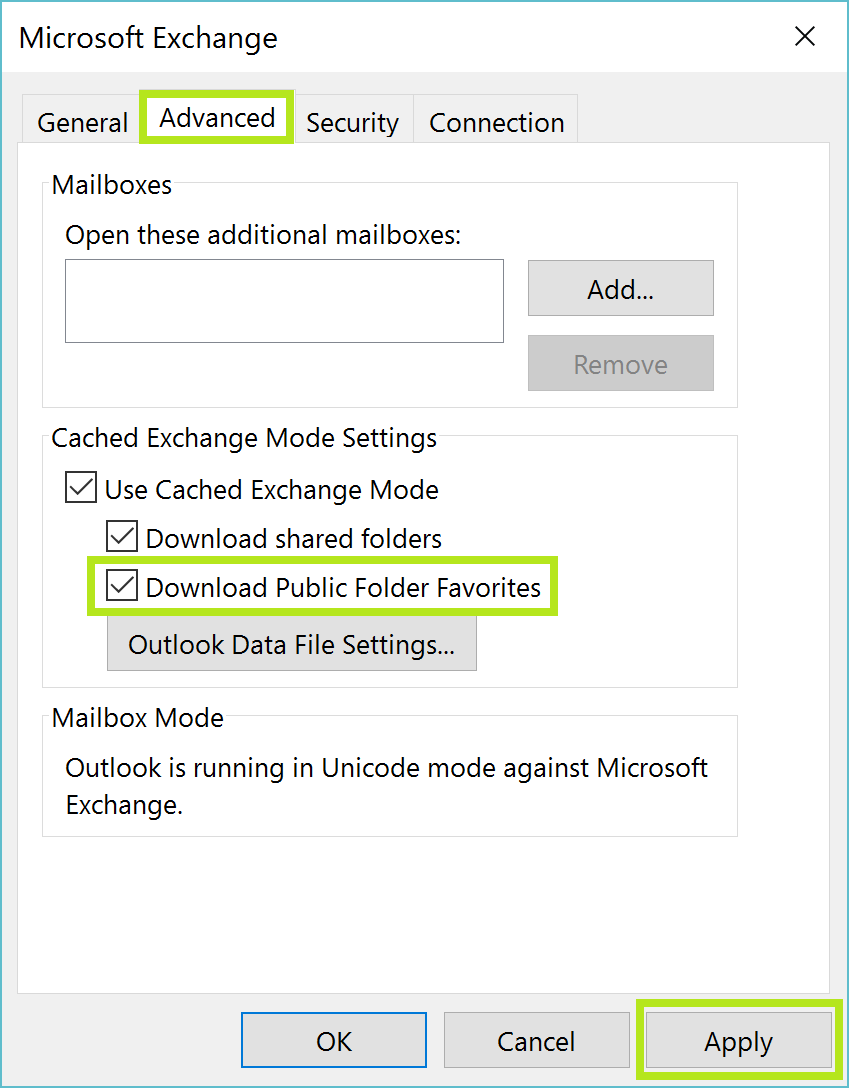 How To Search Public Folders In Outlook To get Instant Search for Public Folders to act the same way it does when you are using it for your mailbox, you need to get these settings…
 How to Remove Add-ins that Slow Down Outlook What happens when an add in begins to slow down Outlook, and what do you do when you weren’t even aware that this add in was even running?…
 What To Do When Windows Search Runs Too Slow The function that powers most Windows searches is the Windows Search Indexer. It indexes all of the files and locations you have chosen, and subsequently stores them in…
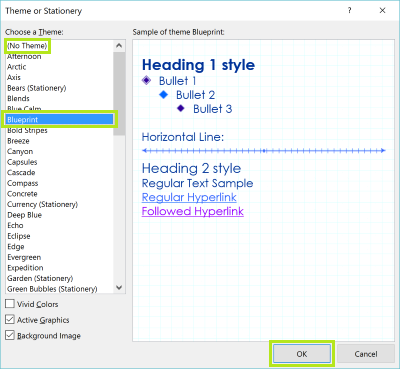 How to Change the Default Font and Size in Outlook Customizing the font and the font size in Outlook is done in a few simple steps.
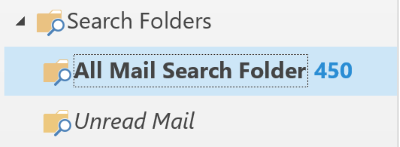 How To Search All Folders In Outlook The solution? Create an Outlook Search Folder, one that will search through all of your mail in one simple step. An Outlook Search Folder will gather up the…
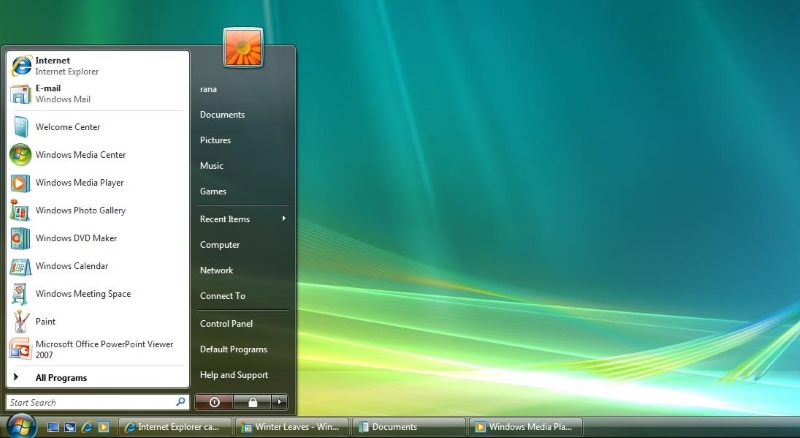 How To Fix Windows Vista Search Problems The indexing on Windows Vista can run into problems – it’s an old system and Microsoft support for Vista is nearing it’s end. Often your best bet for…
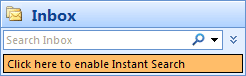 How to Use Instant Search in Outlook 2007 If Instant Search is not enabled when you open Outlook 2007, you’ll need to click the message that says Click here to enable Instant Search displayed in the…
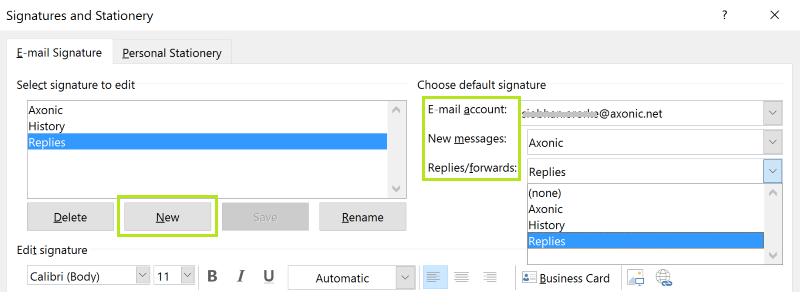 How To Add Email Signatures In Outlook This could give the recipient an easy way to write a new email to you without hitting reply. Keeping your email address in the signature will allow someone…
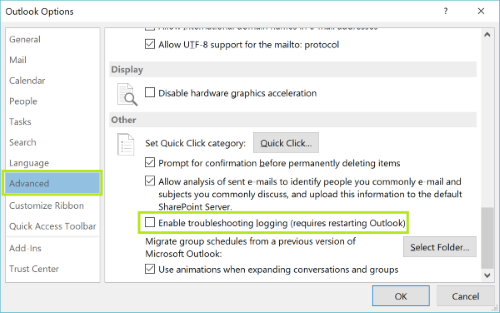 How To Fix Outlook Connectivity Problems Sometimes it’s something simple that can throw off Outlook. If you’re having Outlook connectivity issues, then there’s a chance that Outlook is in Offline mode. If you are…