

Tutorials
All posts in the Tutorials category.
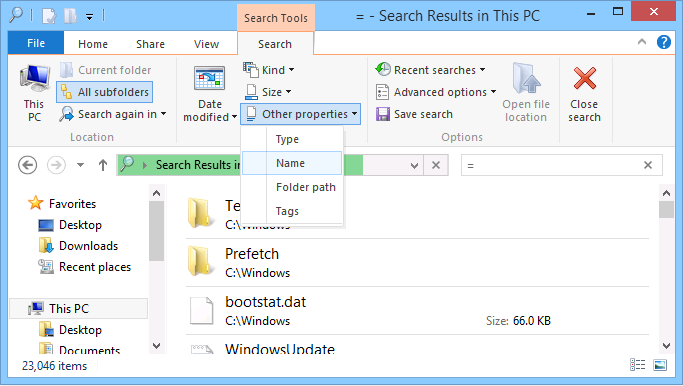 How To Use Windows 8 Desktop Search The desktop search in Windows 8 focuses more on finding apps or programs. This is useful in many ways because it is something most people tend to use…
 How To Search Faster in Outlook With Shortcuts to make using it faster and easier, and some come in handy more than others. If you receive a lot of email, it’s likely you frequently use the…
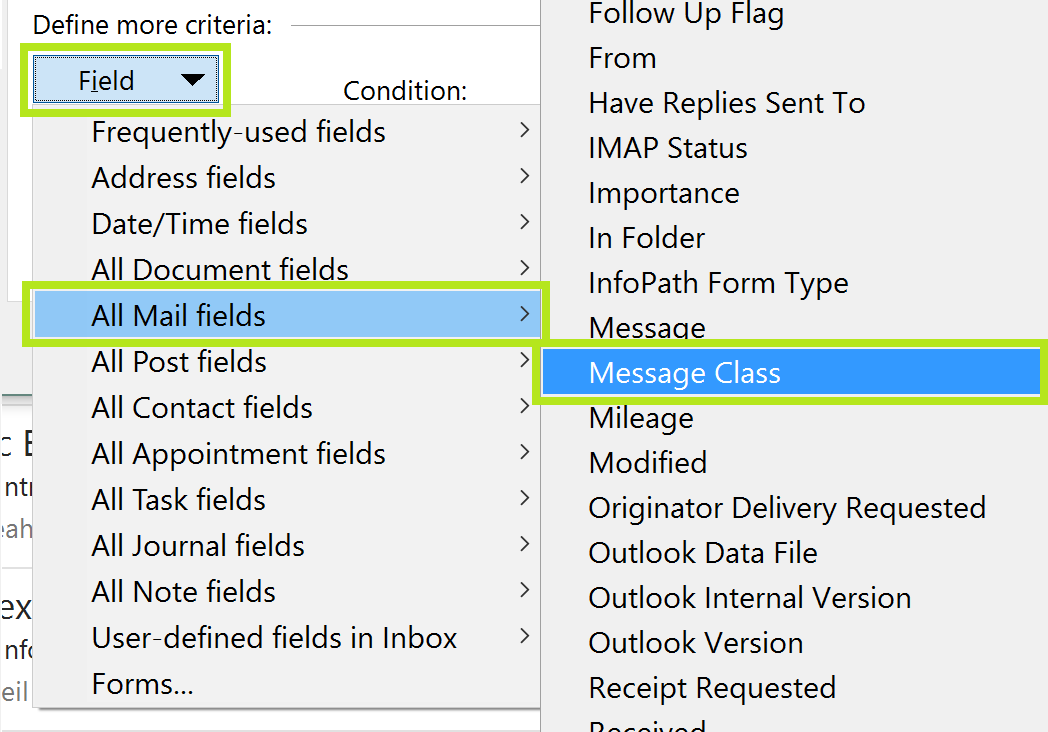 How to Index and Search Encrypted Files and Emails Before you go ahead and add encrypted files to your index, be aware that this is specifically for Windows and not Outlook. You will need to have Windows…
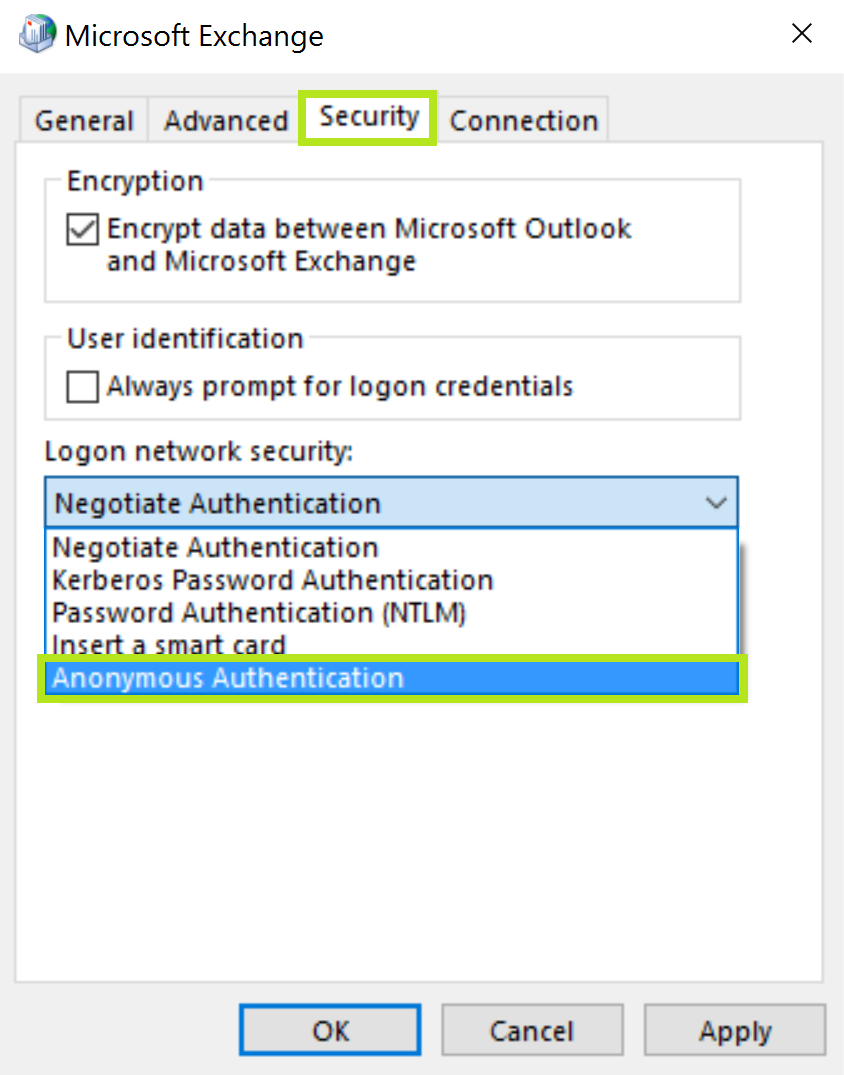 Outlook Keeps Asking for Password (Office 365) Have you come across a problem where Outlook constantly prompts you for your password to connect to Office 365, but when you try to cancel the prompt, you…
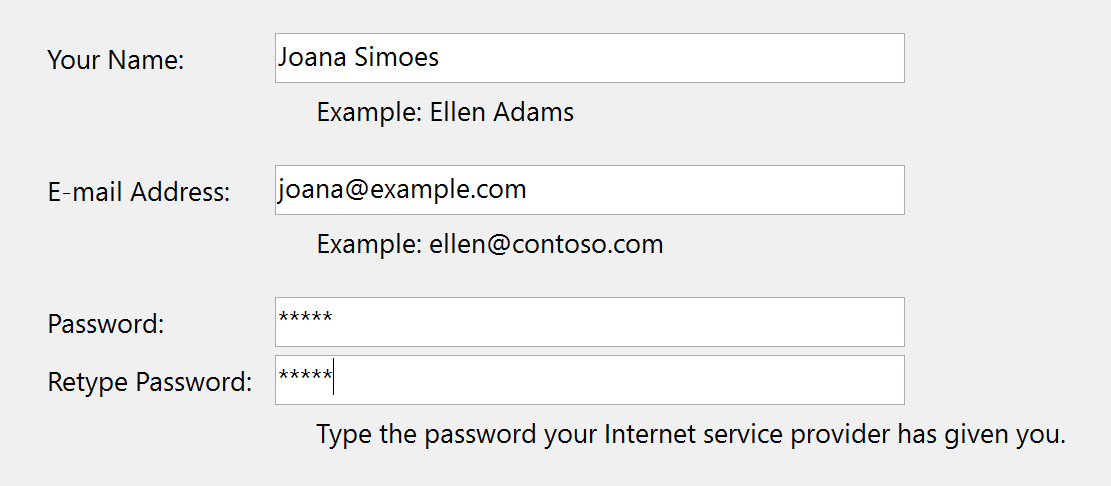 How to Delete or Add an Account in Outlook Outlook will support some HTTP email accounts, but we will pay closer attention to how to add account from Microsoft Exchange, POP3, and IMAP accounts as well. Maybe…
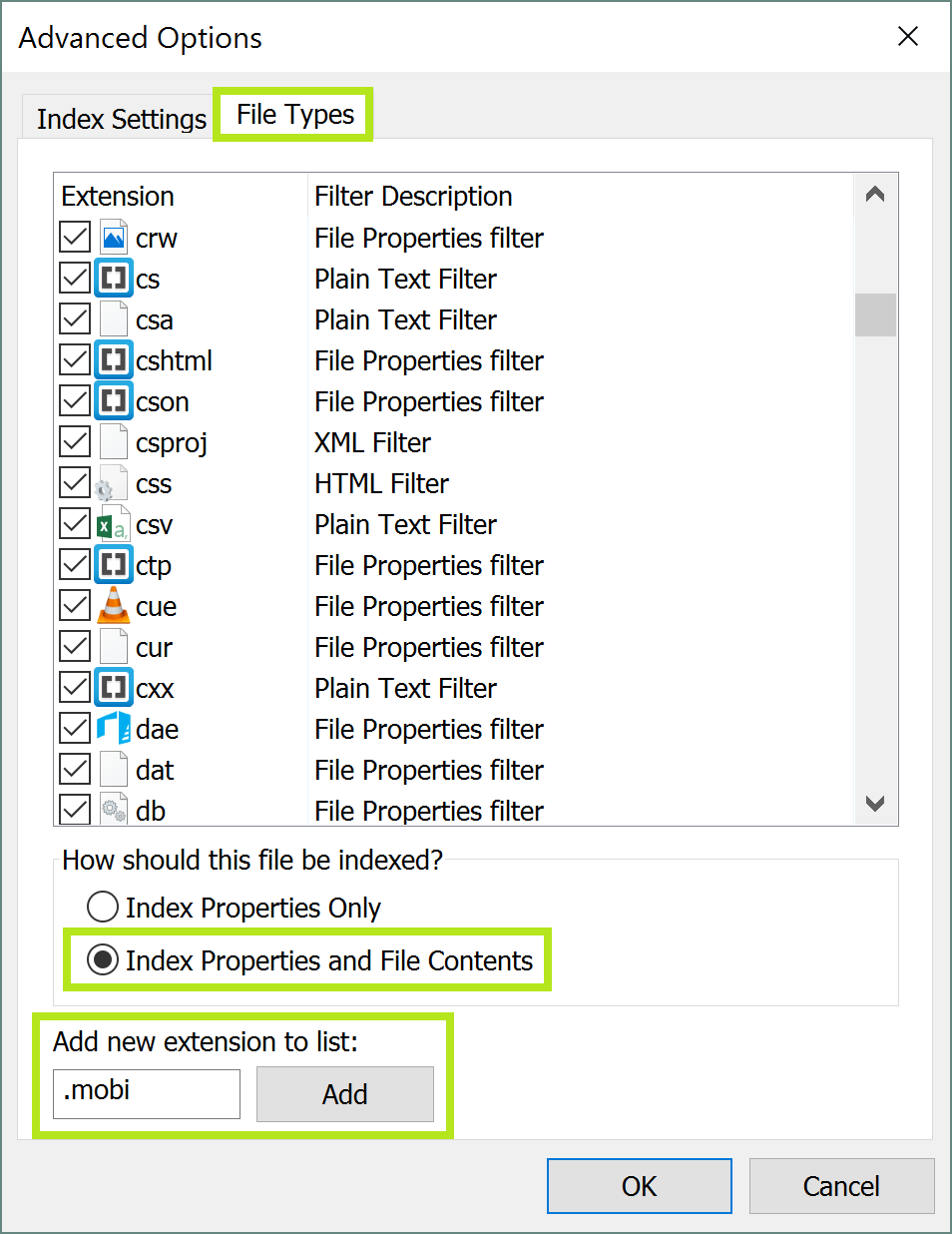 How To Find File Content in Windows Search What many wonder is if it’s possible for Windows Search to find a document by its content. If you need Windows Search to find file content, for example…
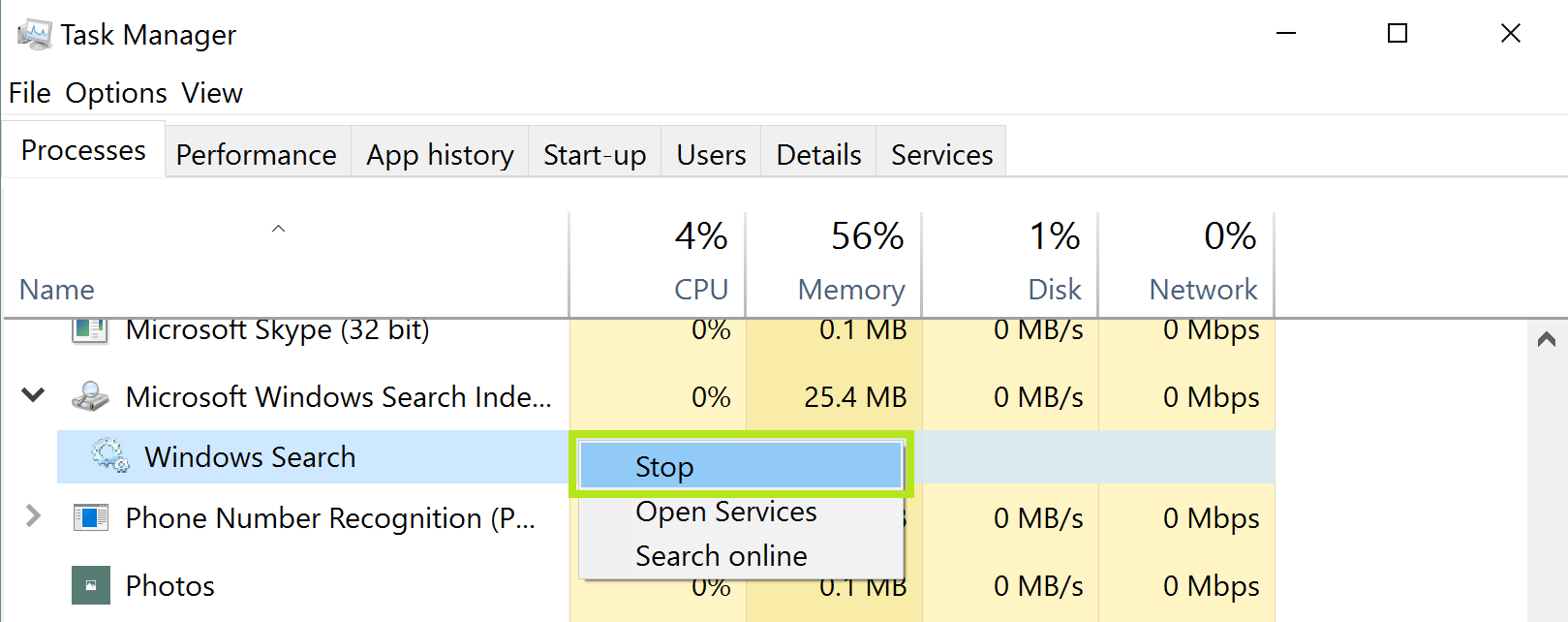 How To Disable Windows Search in Windows 7, 8 and 10 While indexing speeds up the search process, it may take up a lot of system resources from your computer, so you may contemplate disabling Windows Search for this…
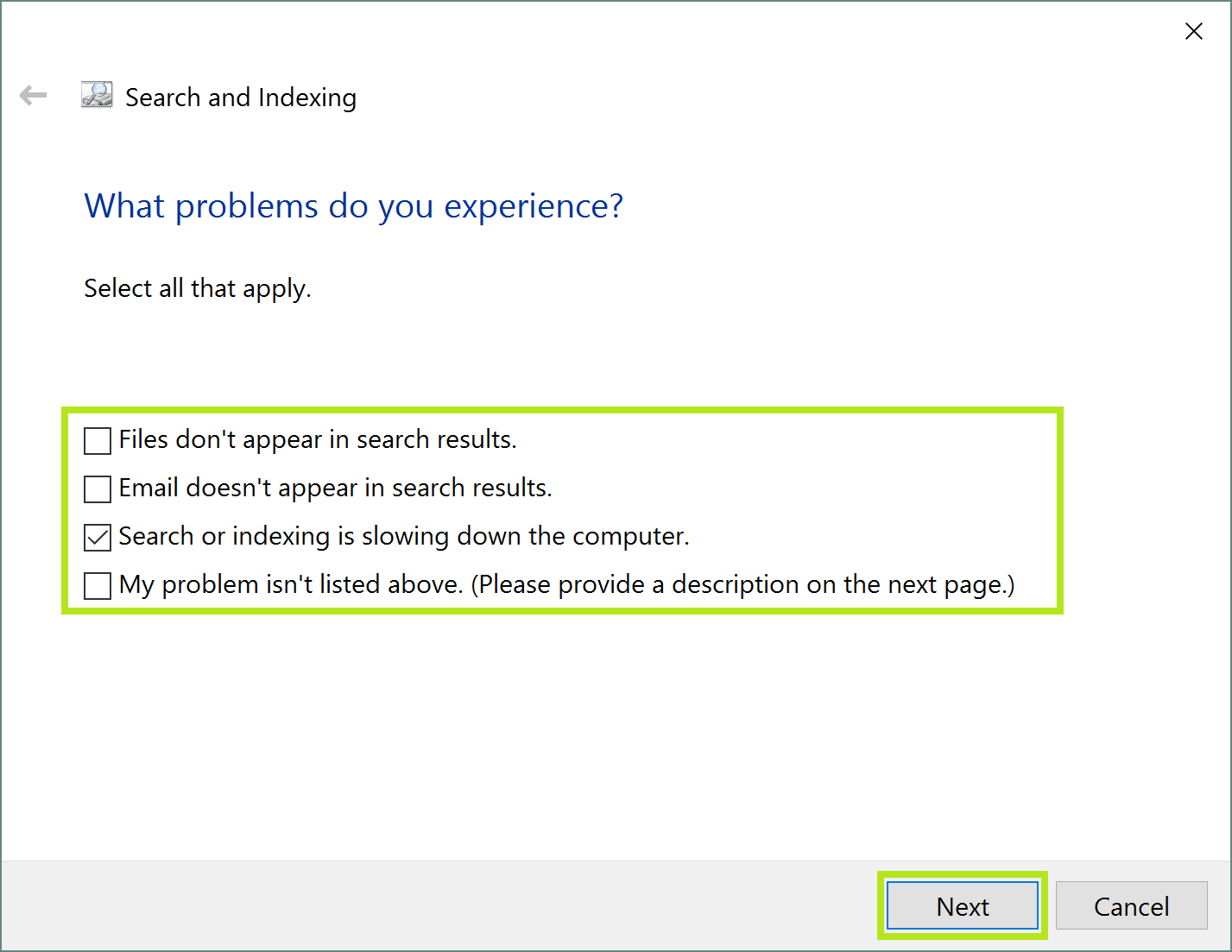 What is the Windows Search Email Indexer If you are currently using Outlook 2010 or higher, then you might have already noticed that the Windows Search Email Indexer is disabled. It does not matter if…
 How to Sync Google and Outlook Calendars When it comes to using two kinds of programs or services from two different companies, you may run into some problems when it comes to syncing them up…