

Windows 10
All posts tagged with Windows 10.
 How to hide the Windows 10 search field from the taskbar The search field, which is, so to speak, the right arm of Windows Search Cortana, is usually located to the right of the Windows start menu. If you…
 Windows Search Not Working? Let’s start with the oldest versions of Windows first, and move up towards windows 10.
 How To Fix Windows 10 Desktop Search Problems In Windows 10, Cortana powers your search. Cortana is supposed to be like a virtual assistant, but it may assist more in giving you headaches than actual results…
 How To Enable Search on Windows Servers The Windows Search Protocol allows communication with a server that hosts a Windows Search Service. The Windows Search Service can issue queries and it also allows an administrator…
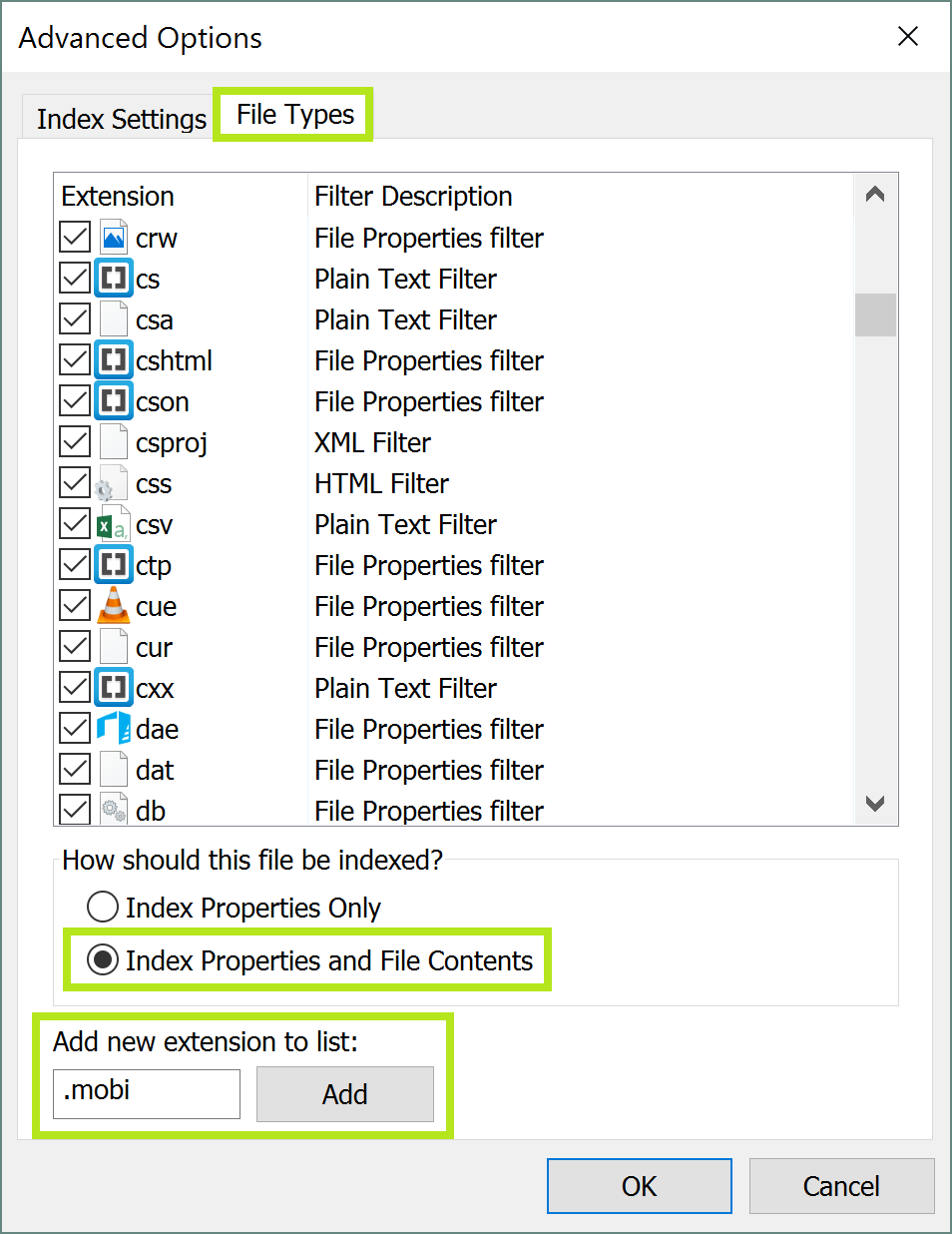 How To Find File Content in Windows Search What many wonder is if it’s possible for Windows Search to find a document by its content. If you need Windows Search to find file content, for example…
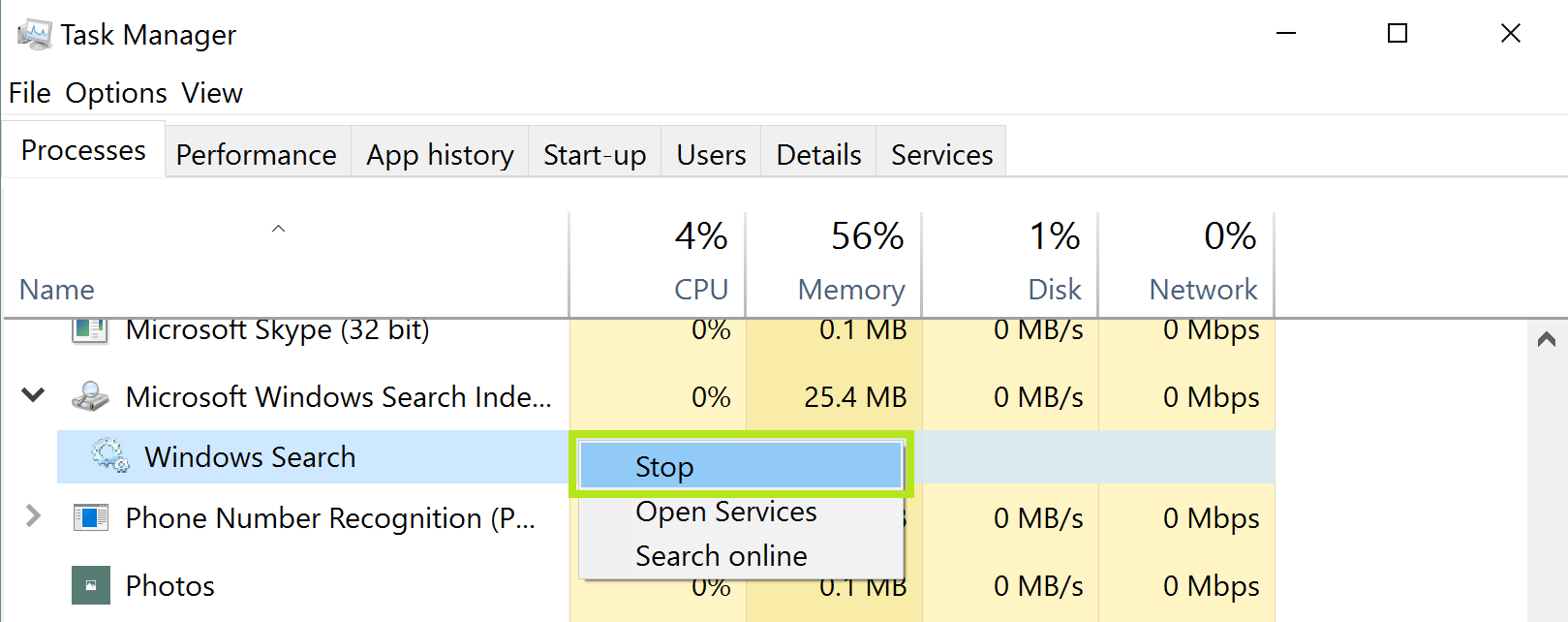 How To Disable Windows Search in Windows 7, 8 and 10 While indexing speeds up the search process, it may take up a lot of system resources from your computer, so you may contemplate disabling Windows Search for this…
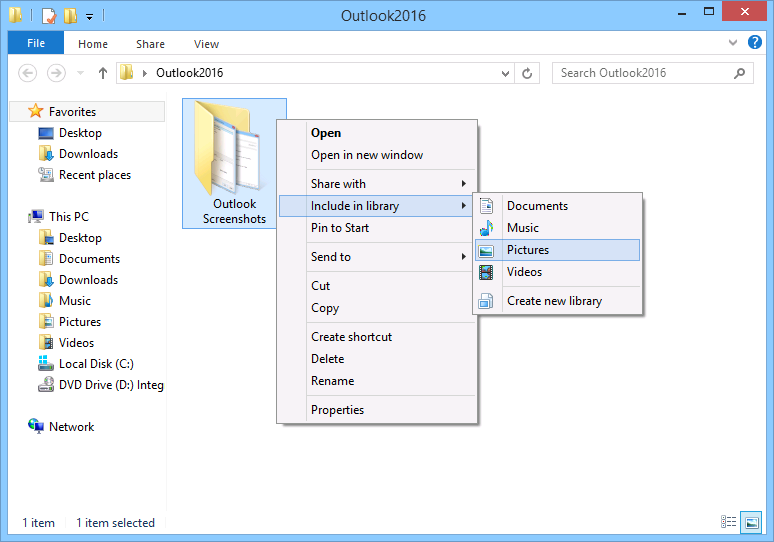 How To Change Advanced Indexing Options in Windows The desktop search improved quite a bit with Windows 7. The default setting for the indexer is that it will index the most common locations where your files…
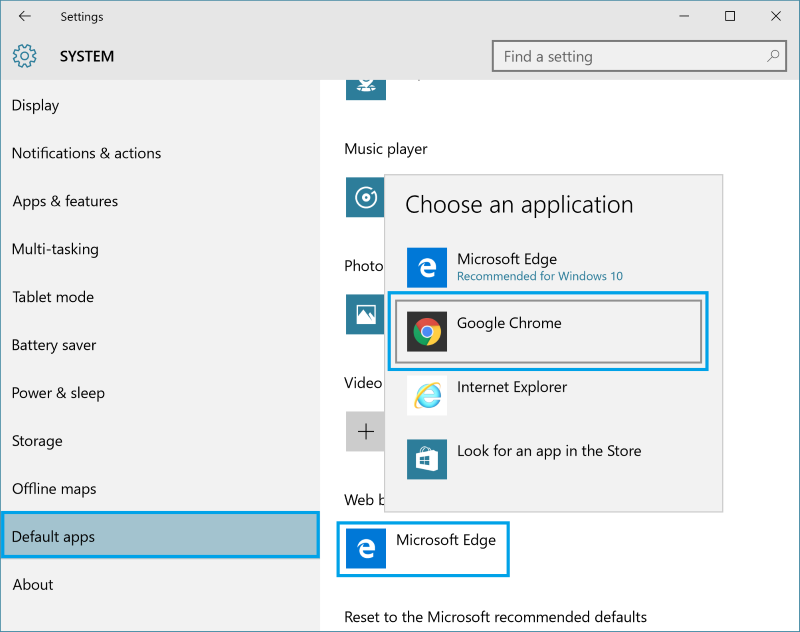 How To Download A New Search Engine For Cortana Bing is a web search tool owned by Microsoft, which is why they’re pushing it onto you, whether you like it or not. If you do like it…
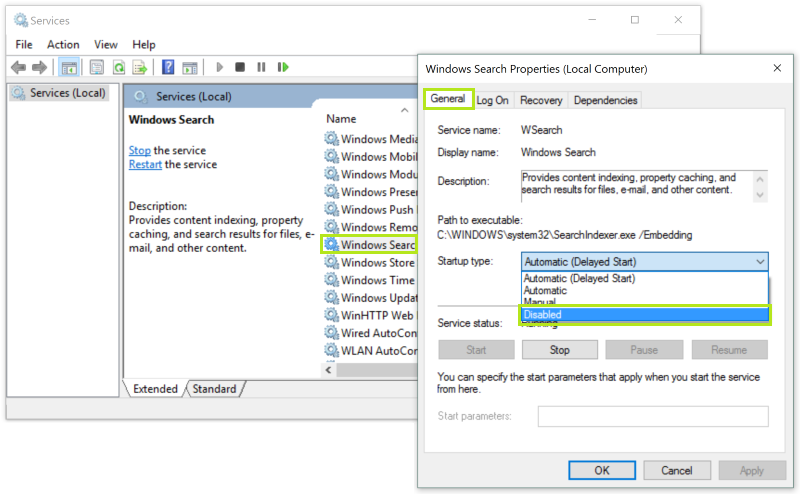 How To Use Windows Search Service Over the years, Microsoft has made some changes to where the Windows Search Service is located, and has improved its functionality. In Windows XP and Windows Vista, the…