

Outlook 2010
All posts tagged with Outlook 2010.
 How to open PST-files with and without Microsoft Outlook Outlook is a popular tool to manage emails, upcoming meetings, and contacts. Daily use of Outlook means you’ll save a lot of data there which will become valuable…
 How to Recall an Email in Outlook 2010 Step 1: Go to your Sent Items folder. You can access this in the folder pane on the left side of the Outlook window.
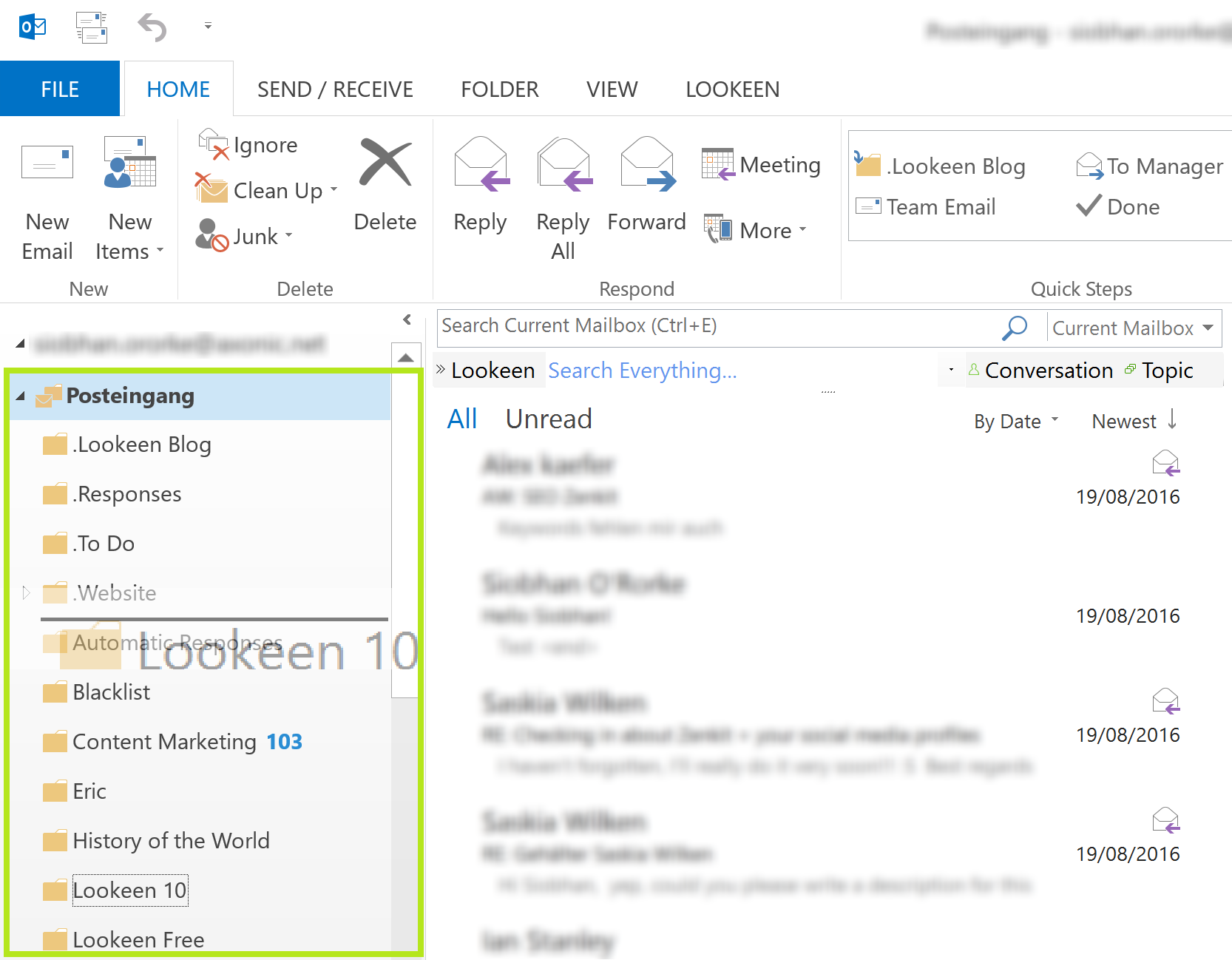 How to Resort Outlook Mailboxes Resorting Outlook mailboxes in Outlook 2010 and higher is very easy to do, but you should first know why your mailboxes show up in the order they currently…
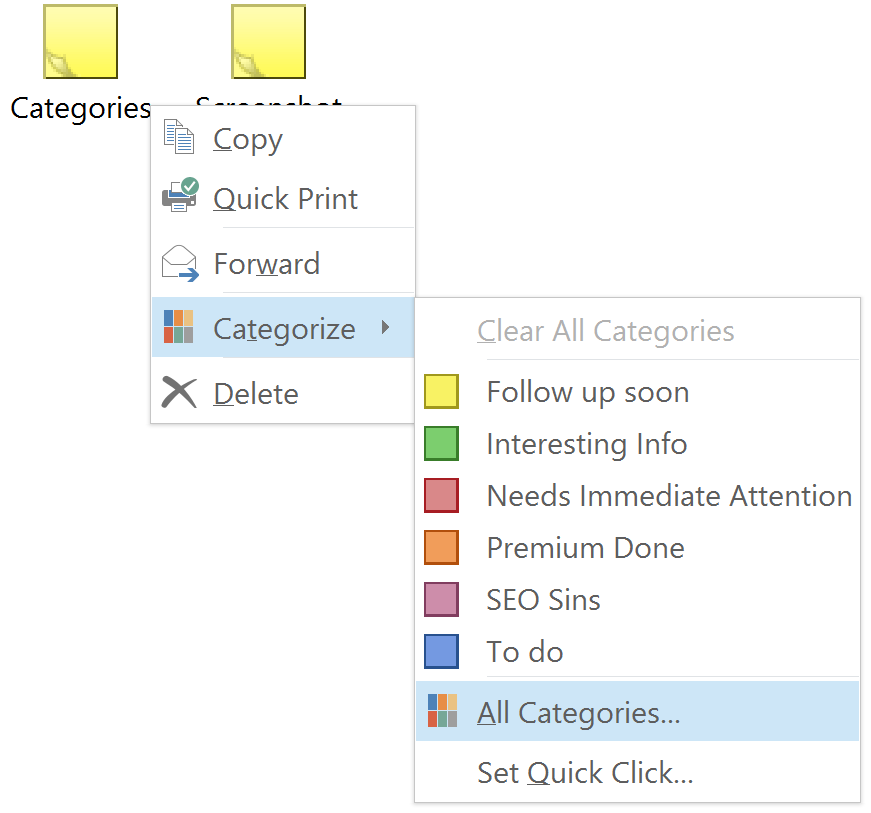 How To Backup and Restore Outlook Categories There’s some good news and some bad news. The bad news is that Outlook doesn’t have a built in option to back up the Outlook categories you’ve created…
 What to do When Your Contacts are Missing in Outlook But what do you do if you update your Outlook version, and everything transferred over correctly except your contacts? If your contacts are missing in Outlook after upgrading…
 How to Clear the Auto Complete Cache in Outlook Just try it, start to type in an address in the To: field and a little list will show up trying to predict which email address you want…
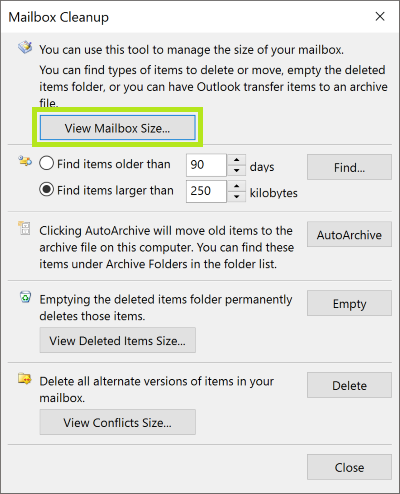 How to Find your Mailbox Size and Exchange Quota You can check your mailbox size and Exchange quota in Outlook, but the manner in which you check that information depends on the Outlook or Exchange version you…
 How to Add All Senders and Recipients as Contacts What can you do to make sure that you don’t end up without any form of contacts list? Let’s take a look.
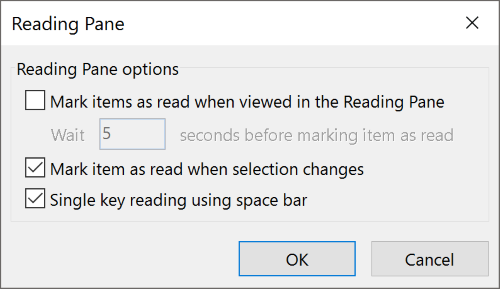 Save Time with Single Key Reading Single Key Reading is just a simple and quick way to read and scroll through emails in your inbox. Why is this so efficient? Well, using this space…