

Outlook 2016
All posts tagged with Outlook 2016.
 How to Recall an Email in Outlook 2016 Recalling an email in Outlook 2016 allows you to retrieve and replace an email that has already been sent. Here are the steps to do it:
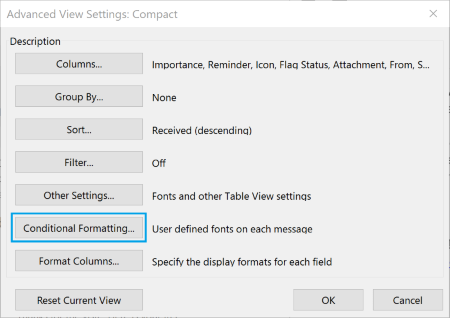 How To Color Code Emails in Outlook 2016 Conditional formatting is the feature that enables you to color code your emails. It will let you distinguish messages from one another by displaying emails in various forms…
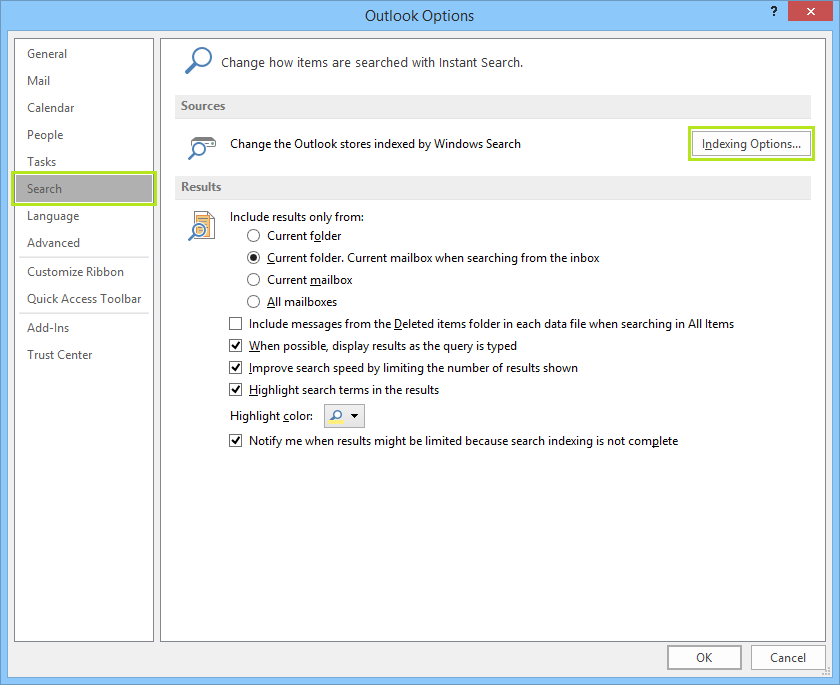 How To Fix Outlook 2016 Search Problems One of the most common issues that occur with most Outlook clients is the search tool not working as it should. Microsoft Outlook Search not working is an…
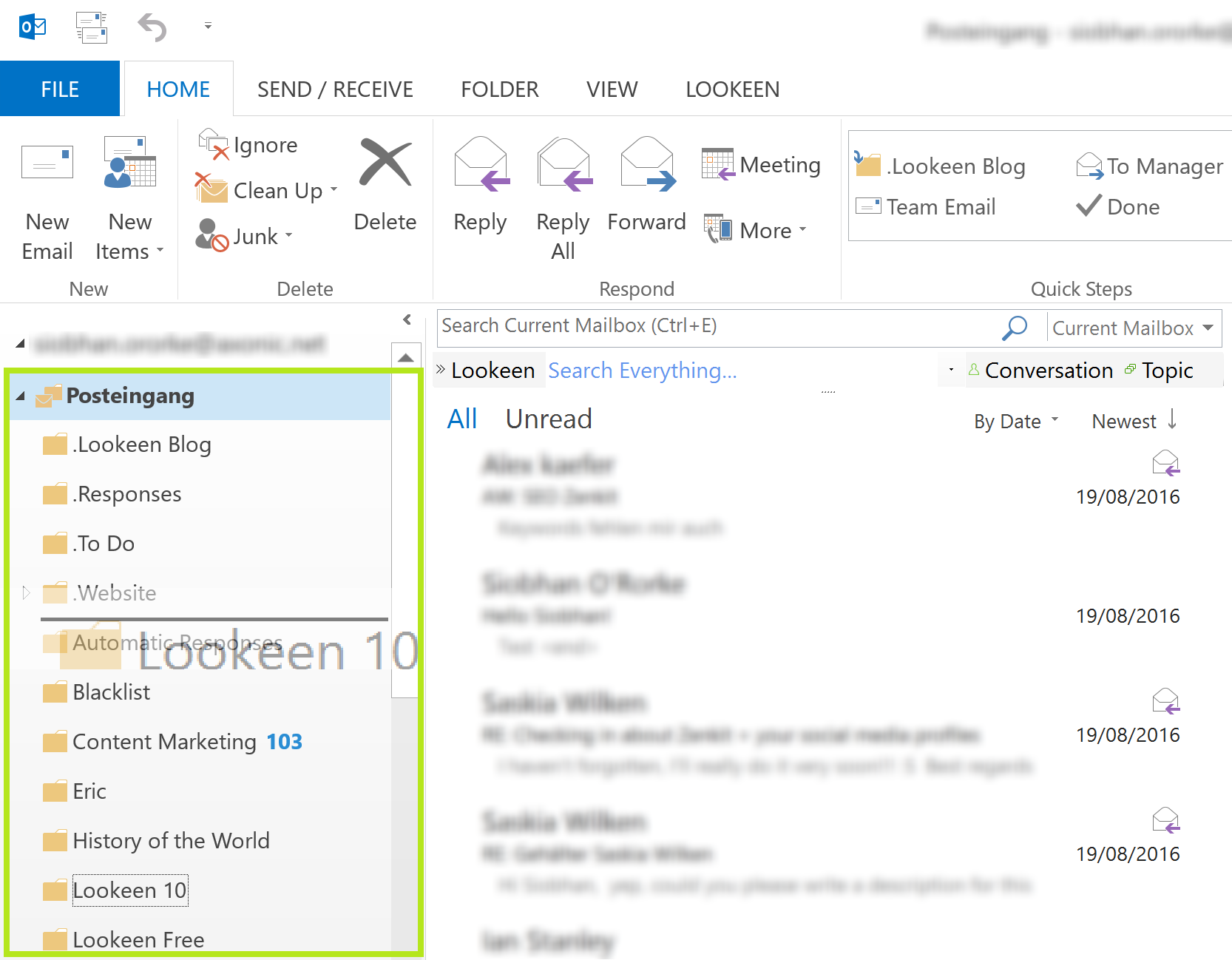 How to Resort Outlook Mailboxes Resorting Outlook mailboxes in Outlook 2010 and higher is very easy to do, but you should first know why your mailboxes show up in the order they currently…
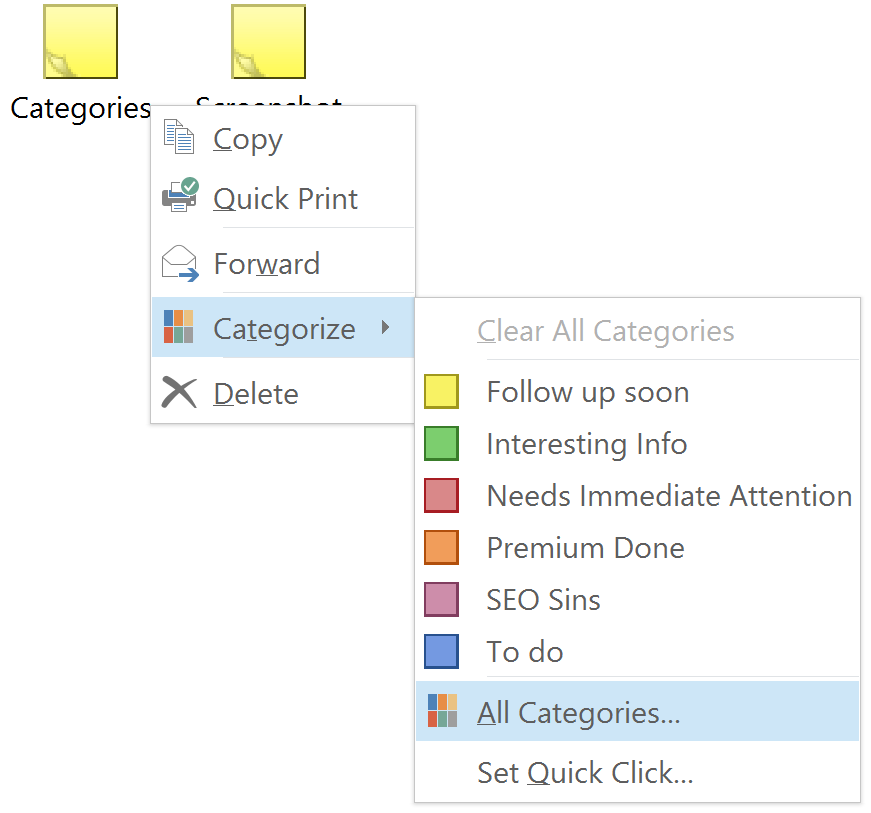 How To Backup and Restore Outlook Categories There’s some good news and some bad news. The bad news is that Outlook doesn’t have a built in option to back up the Outlook categories you’ve created…
 What to do When Your Contacts are Missing in Outlook But what do you do if you update your Outlook version, and everything transferred over correctly except your contacts? If your contacts are missing in Outlook after upgrading…
 How to Create an Email Signature in Outlook 2016 When working for a company there is most likely a uniform email signature that everyone needs to have. This is important because you want to convey a professional…
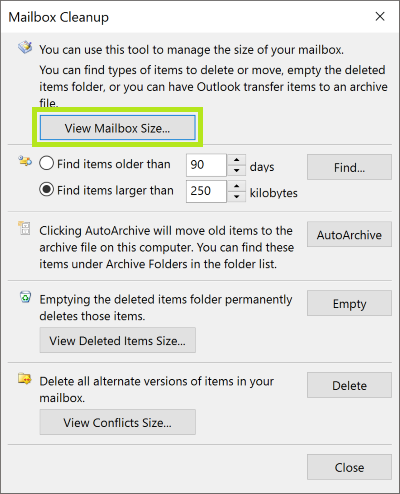 How to Find your Mailbox Size and Exchange Quota You can check your mailbox size and Exchange quota in Outlook, but the manner in which you check that information depends on the Outlook or Exchange version you…
 How to Add All Senders and Recipients as Contacts What can you do to make sure that you don’t end up without any form of contacts list? Let’s take a look.