

Organizing
All posts tagged with Organizing.
 How to Use Focused Inbox in Outlook Focused Inbox is a feature that aims to help you focus on emails that are the most important to you. It does this by automatically sorting your emails…
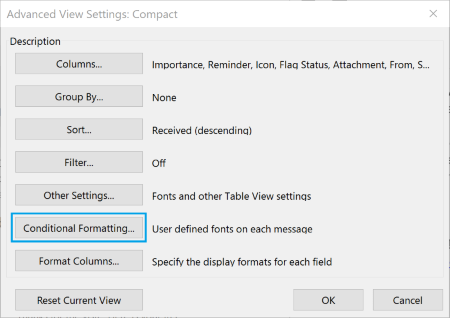 How To Color Code Emails in Outlook 2016 Conditional formatting is the feature that enables you to color code your emails. It will let you distinguish messages from one another by displaying emails in various forms…
 How to Add All Senders and Recipients as Contacts What can you do to make sure that you don’t end up without any form of contacts list? Let’s take a look.
 15 Outlook Tips & Fixes to Help You Save Time The first thing to know about Outlook is that eventually you will run into search problems. It’s pretty much a given, and while you can try to do…
 Desktop Search: The Freelancer’s Personal Assistant Before jumping into the benefits that desktop search can bring you, you should first organize your desktop for better search results. Desktop search will work, but not as…
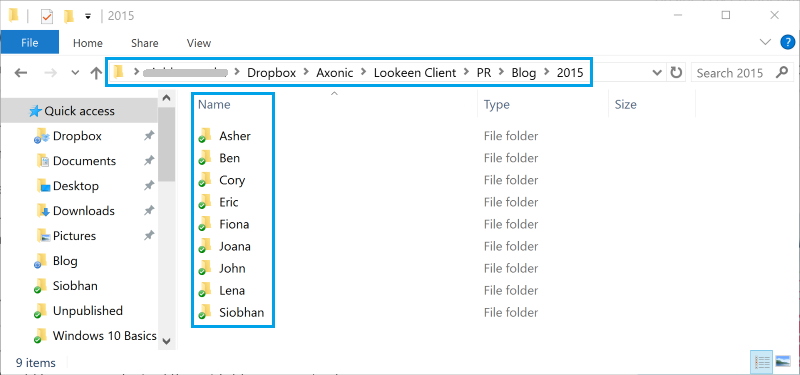 3 Tips To Help You Find Files Faster If you’ve never had a filing system in place to keep your files and folders organized then starting one will take some work. This is obviously not a…
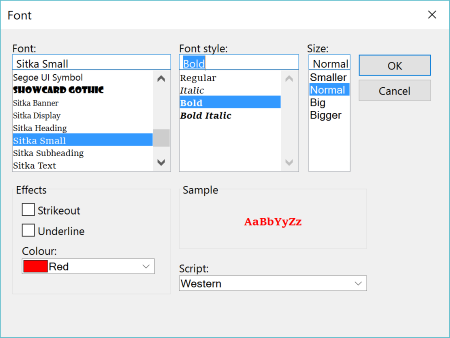 How To Color Code Emails in Outlook 2013 By default, conditional formatting will show all of your unread emails in bold. By customizing it, you can highlight emails that are more important to you. Here’s how…
 New Year, New Outlook This is a useful trick to finding important emails you have been putting off over the holidays. Do you have something from two or three days ago that…
 10 Productivity Boosting Email Tips From The Experts The problem with email is that most people use it inappropriately, which is detrimental both to our productivity, and to our well being. A messy inbox is a…