

New Features
All posts tagged with New Features.
 Lookeen 12 is Now Available! During development, we focused on making improvements to ensure the software is packed with features that meet user requirements and allow them to experience Lookeen in the best…
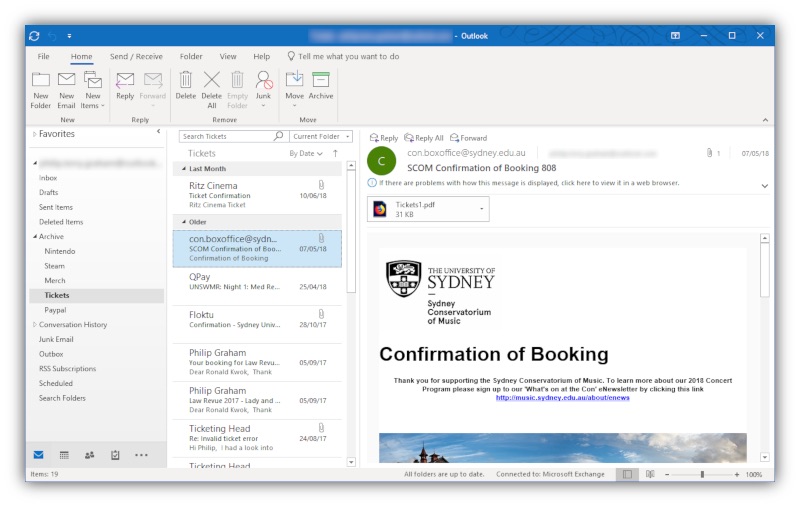 What New Features to Expect in Outlook 2019 Although Outlook 2019 is a new release, it’s worth noting that some of the features may already be familiar to users subscribed to Office 365. Here’s what’s expected…
 Lookeen Update – Outlook 2016 Integration! We at Lookeen are proud to announce the release of the first professional desktop search solution with Outlook 2016 integration capability.
 Lookeen Receives Citrix Ready Verification for Search in Citrix Virtual Environments Lookeen has functioned very well in virtual desktop infrastructures for years. Nevertheless, it is our ambition to be formally verified by the world’s leading VDI developers. Due to…
 Desktop Search in Windows 10 On previous versions it was called Windows Explorer, but File Explorer is basically the same desktop search tool with a couple of differences. The basic layout of the…
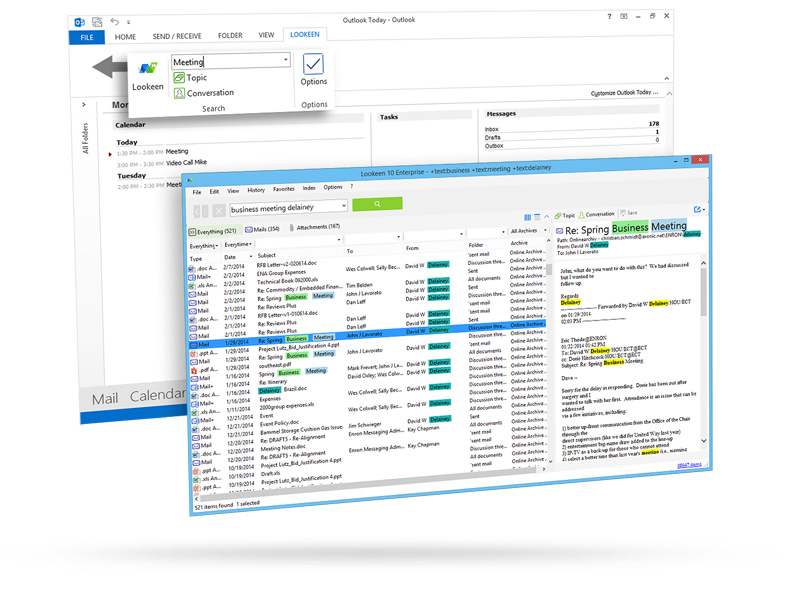 The Brand New Lookeen – a new Generation of Windows Search Lookeen is a completely standalone desktop search tool – now all Windows users can benefit from the incredible search capabilities of Lookeen without needing to log in to…
 Real-Time Indexing and Lookeen 8 What Enterprise wide real time indexing should aspire to achieve is that you have only one copy of a document that is always up to date at any…
 Lookeen 8 is Finally Here! The new upgrade integrates real time indexing into each edition. We are especially proud of the development of an entirely new and innovative indexing strategy: Hybrid indexing allows…
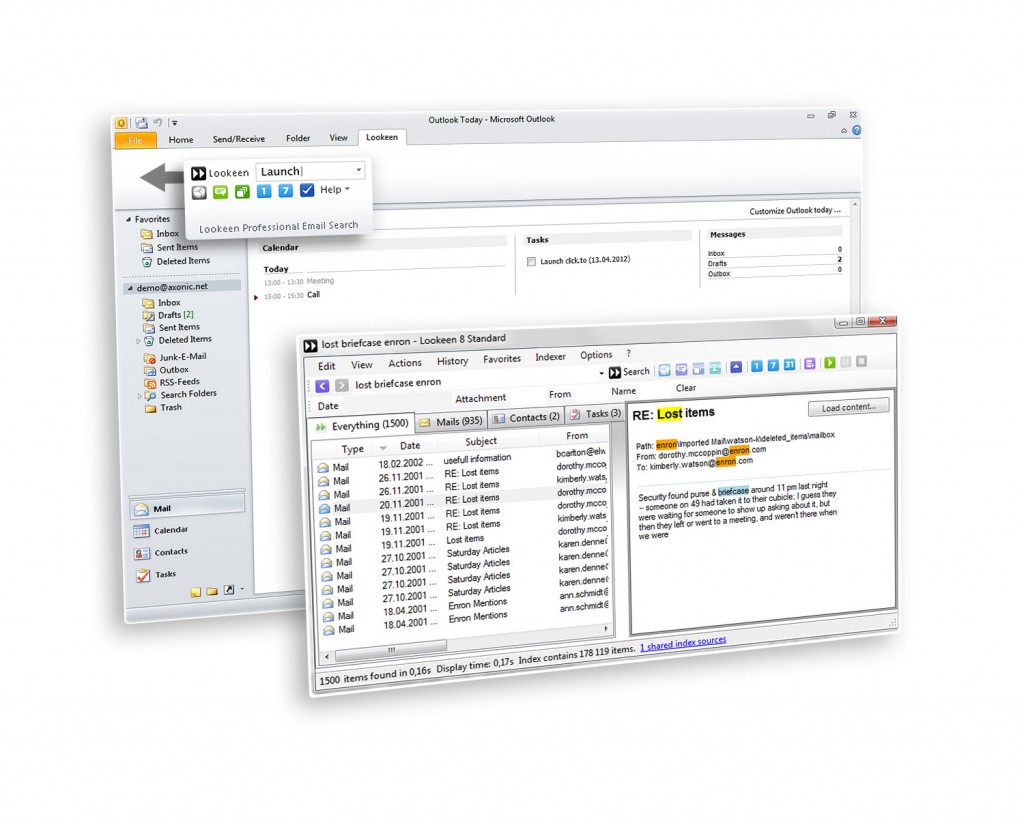 Lookeen Version 3.7 with Beta Real-Time Indexing Available Now for Free Download For self employed people, for teams and of course, whole companies, the data structure on the computer, in the network, and even in your own Outlook mailbox constantly…