

Microsoft Outlook
All posts tagged with Microsoft Outlook.
 How to Reply with Attachments in Outlook You can manually fix this issue by simply copying the original attachment and pasting it in the reply email you are sending.
 How To Sort by Unread Emails in Outlook 2013 A quick way to gather up the emails you have been meaning to get to, is to sort by unread messages. This is a simple tool to group…
 The Flood of Email is Overwhelming your Outlook Search – What do you do? All of these emails that land in our mailboxes daily need to be sorted, read and answered – and both in our professional and private lives, many of…
 How to Recall an Email in Outlook 2013 In your haste to get through your emails and responding to emails, you have sent an email to the wrong person by mistake. You may feel embarrassed and…
 How to Archive Email in Outlook 2013 To begin the process of archiving your email click File in the top left corner. Then click Info. On the Account Information screen, click the button that says…
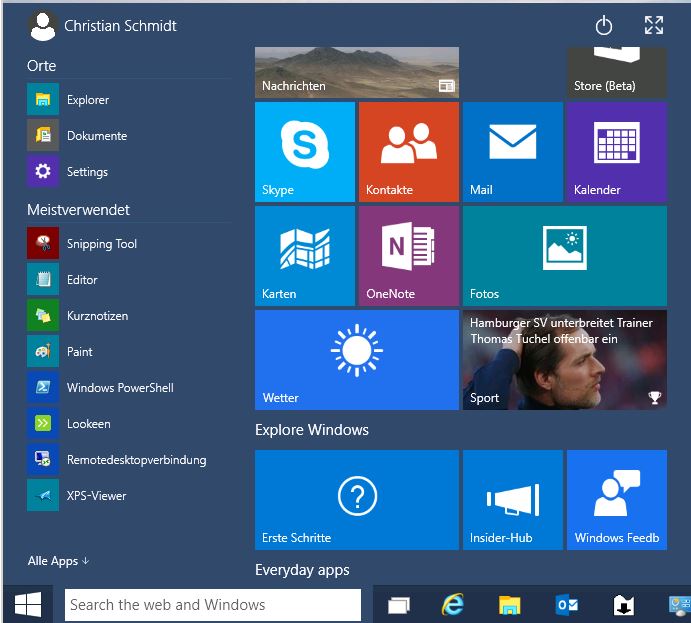 Windows Search to Bring Browsing to your Desktop The aim of the new Windows Search is to bring browsing back to the desktop. When you enter a new search term into the search bar, Windows will…
 Enterprise Search and Outlook PST Files Data stored in a PST file exists outside of the Exchange Server, since it is stored on each workstation hard drive separately. Outlook files are therefore rarely backed…
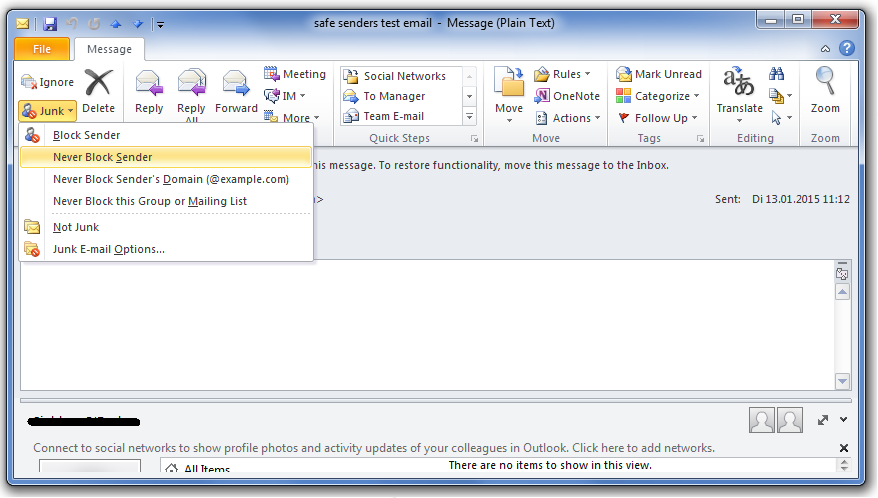 Getting Good Email in Outlook with Safe Senders One of the simplest ways to let Outlook learn which emails to accept is to use the Safe Senders list. The Safe Senders list allows you to specify… The Variety of Desktop Search Solutions What types of files do you want to search? Here you’ll want to make sure that your search solution fits the file types you often use. Where are…