

Tutorials
All posts in the Tutorials category.
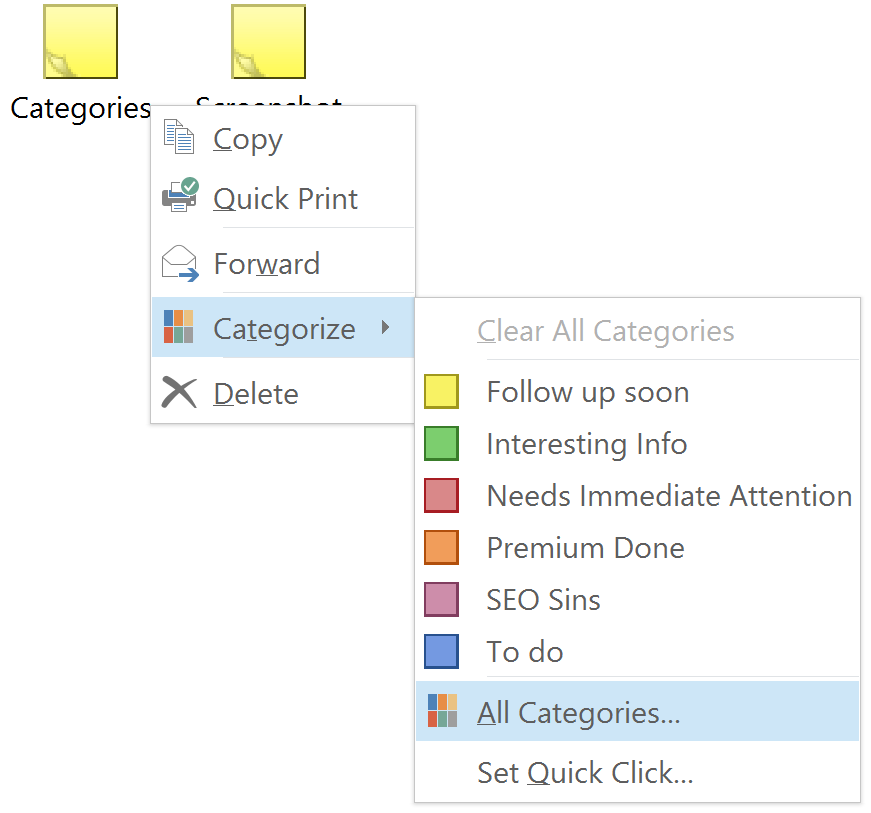 How To Backup and Restore Outlook Categories There’s some good news and some bad news. The bad news is that Outlook doesn’t have a built in option to back up the Outlook categories you’ve created…
 Video: Three Outlook Tips with Lookeen’s Advanced Search If you enjoyed the video, or found it helpful, please don’t forget to give it a thumbs up!
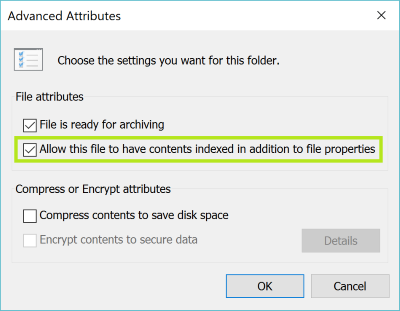 How To Fix Outlook 2013 Search Problems You’ll probably see a message that says “We couldn’t find what you were looking for.” There’s also a chance that you can see very few results, and if…
 What to do When Your Contacts are Missing in Outlook But what do you do if you update your Outlook version, and everything transferred over correctly except your contacts? If your contacts are missing in Outlook after upgrading…
 How to Create an Email Signature in Outlook 2016 When working for a company there is most likely a uniform email signature that everyone needs to have. This is important because you want to convey a professional…
 How to Clear the Auto Complete Cache in Outlook Just try it, start to type in an address in the To: field and a little list will show up trying to predict which email address you want…
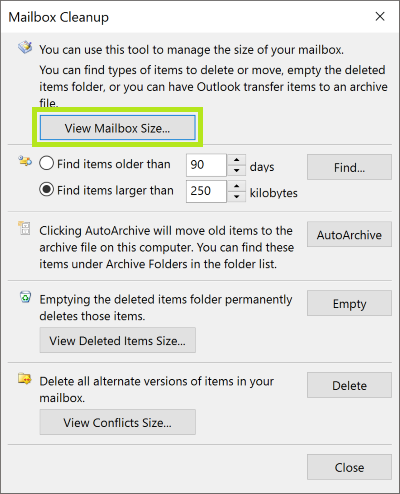 How to Find your Mailbox Size and Exchange Quota You can check your mailbox size and Exchange quota in Outlook, but the manner in which you check that information depends on the Outlook or Exchange version you…
 How to Add All Senders and Recipients as Contacts What can you do to make sure that you don’t end up without any form of contacts list? Let’s take a look.
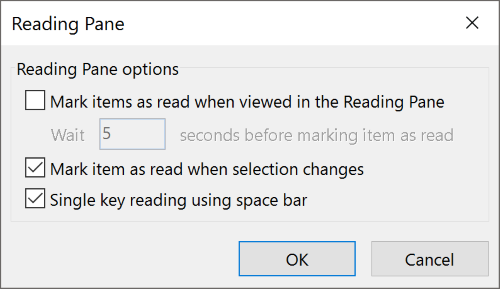 Save Time with Single Key Reading Single Key Reading is just a simple and quick way to read and scroll through emails in your inbox. Why is this so efficient? Well, using this space…