

Tutorials
All posts in the Tutorials category.
 How to Reply with Attachments in Outlook You can manually fix this issue by simply copying the original attachment and pasting it in the reply email you are sending.
 How to Improve Windows Search in Windows 7 Many of the problems that arise while searching with Windows search do not actually stem from Windows search itself, but it could be the settings or search options…
 How To Sort by Unread Emails in Outlook 2013 A quick way to gather up the emails you have been meaning to get to, is to sort by unread messages. This is a simple tool to group…
 How to Recall an Email in Outlook 2013 In your haste to get through your emails and responding to emails, you have sent an email to the wrong person by mistake. You may feel embarrassed and…
 How to Archive Email in Outlook 2013 To begin the process of archiving your email click File in the top left corner. Then click Info. On the Account Information screen, click the button that says…
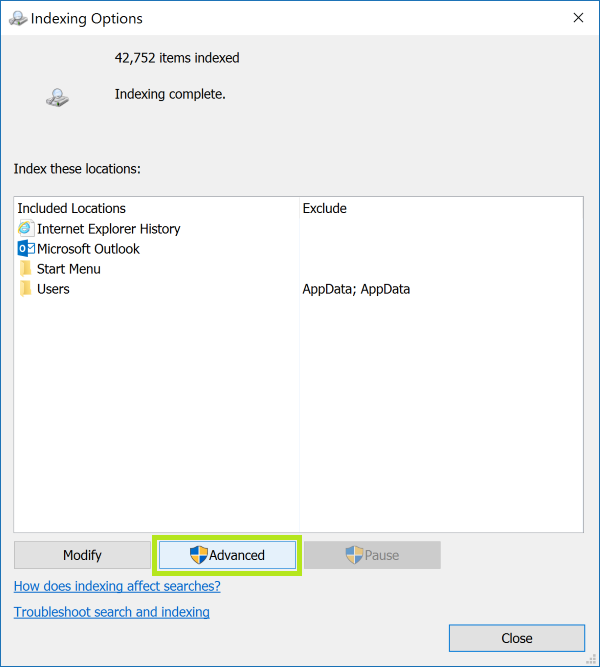 Windows Search: How to Browse File Contents In Windows Search, keywords can be found even in file contents, but only in folders that allow their file contents to be indexed. To enable Windows Search to…
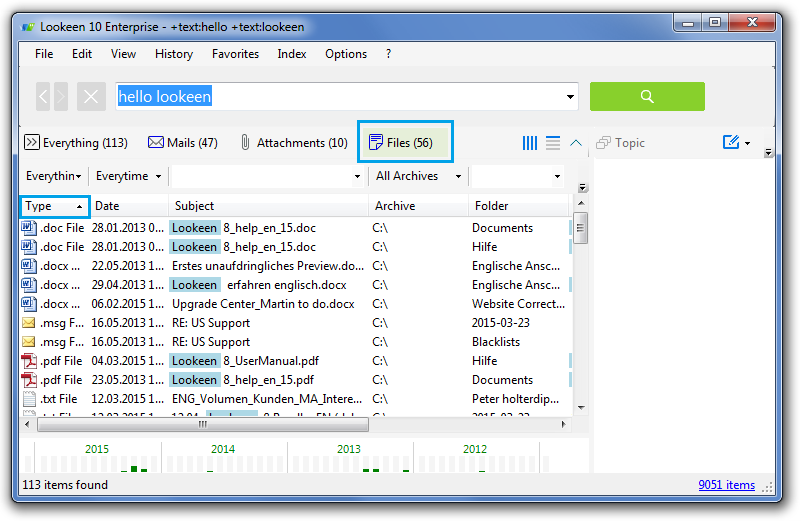 How To Search by File Type with Lookeen If you’re looking for a specific file type of file and want to isolate your search to only that exact file type, the first way you can do…
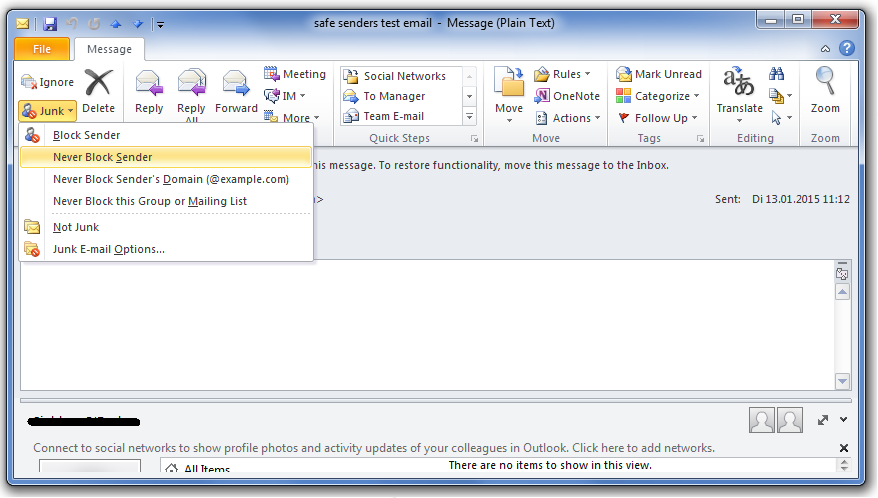 Getting Good Email in Outlook with Safe Senders One of the simplest ways to let Outlook learn which emails to accept is to use the Safe Senders list. The Safe Senders list allows you to specify…
 Changing Public Folders in Office 2013 Microsoft tried in SharePoint 2007, to apply the new Public Folders, and hinted that the Public Folder would die in the next versions. However, so far no other…